JavaScript 5 min read
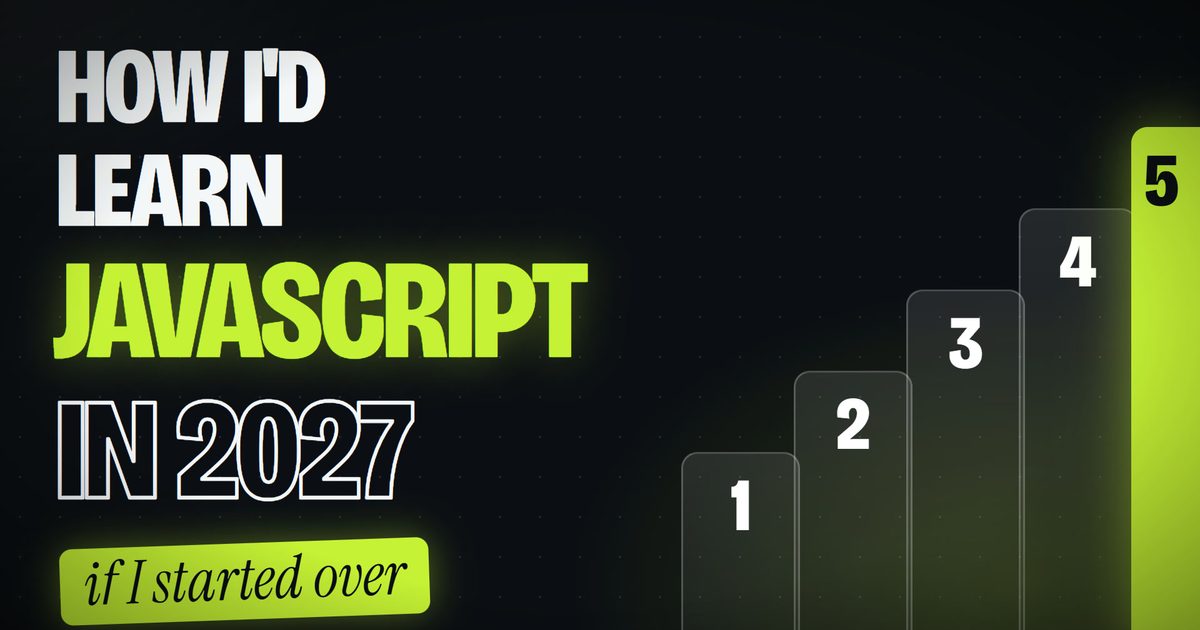
How to Learn JavaScript in 2027: The 5-Step Order I'd Follow If I Started Over
Most beginners don't quit JavaScript because it's hard. They quit because they learn things in the wrong order. Here are the 5 steps, what to skip, and the free tools.

Timothy Benjamin Software engineer
Chapters
Contents
Most people give up on JavaScript in their first month, and it is rarely because the language is too hard. It is because they learn things in the wrong order. This is the order I would follow if I had to start from zero today: five steps, a short list of things to skip, and free tools for all of it.
This post is the written version of my video above, with the code examples written out so you can copy them.
The mistake that keeps beginners stuck
Here is what most beginners do. They watch a ten-hour course, then another one, then a third because the first one didn’t click. Weeks go by and they still can’t build anything. People call this tutorial hell.
The way out is simple: watch less, build more, and do it in the right order.
Step 1: Learn just four things
Variables, data types, loops and functions. Not the whole language, only these four.
- A variable stores a value, like a labelled box.
- A data type says what kind of value it is: a number, some text, or true/false.
- A loop repeats something so you don’t write it a hundred times.
- A function is a reusable recipe.
With only these you can already write real programs, and you don’t need to install anything. Open your browser, press F12, click Console, and type JavaScript right there:
2 + 2
// 4

let name = "Timo";
for (let i = 1; i <= 3; i++) {
  console.log(`Hello ${name}, round ${i}`);
}

function double(n) {
  return n * 2;
}
double(21);
// 42
You just ran real code in about ten seconds. (Try 0.1 + 0.2 too, and look at what you get. That is a lesson for another day.)
One rule for this step: when you can explain these four to a friend without looking, move on. Don’t wait to feel ready.
Step 2: Stop watching, start building
This is the big one. Build something tiny but finished: a counter with a plus button, a to-do list, a tip calculator.
Watching feels like progress, but your brain isn’t doing the hard part. The hard part is staring at an empty file and not knowing what to type. That struggle is the learning. Every time you get stuck and solve it, the skill stays.
You will get stuck, and that is good. The loop is: read the error message (it usually tells you the line), search it, and try one change at a time. Stuck, search, fix. That loop is the job, not a sign that you are bad at this.
Your whole setup is three things:
- VS Code, a free code editor.
- A file called
index.html. - A file called
script.js.
Step 3: Make the page react to clicks
This is where JavaScript stops being theory and becomes the reason websites feel alive. Your page is a tree of elements called the DOM. JavaScript can find an element, listen for a click, and change what is on screen.
<button id="plus">+1</button>
<p>Count: <span id="count">0</span></p>
<script src="script.js"></script>
// script.js
let count = 0;
const countEl = document.querySelector("#count");
document.querySelector("#plus").addEventListener("click", () => {
count++;
countEl.textContent = count;
});Click, and something changes. The first time you see that on your own page it feels great, and that feeling keeps you going. Browser DevTools help here too: right-click, choose Inspect, and you can see the page’s tree and even change it live.
Step 4: Get real data from an API
An API is how one program asks another for information: weather, jokes, movies, anything. In JavaScript you use fetch. You send a request, get data back (usually as JSON), and show it on your page.
async function loadJoke() {
  try {
    const res = await fetch("https://official-joke-api.appspot.com/random_joke");
    if (!res.ok) throw new Error(`Request failed: ${res.status}`);
    const joke = await res.json();
    document.querySelector("#joke").textContent = `${joke.setup} ${joke.punchline}`;
  } catch (err) {
    document.querySelector("#joke").textContent = "Couldn't load a joke. Try again.";
  }
}
loadJoke();
That is when your project stops being a toy, because it shows real information from the real internet. Pick a free API that needs no signup, and handle the case where it fails. Showing an error message instead of a blank page is a skill people notice. When you’re unsure how something works, MDN Web Docs is free and is where I check things.
Step 5: Build one real project and put it online
Not ten half-finished ones. Just one, something you’d be happy to show a person. Use everything you have learned: variables, loops, functions, clicks and an API. Then publish it so anyone can open a link. Free hosting such as GitHub Pages or Netlify works for this.
Putting it online changes how you work. You care about the details, you fix the bugs, and you have something to point at instead of just saying “I’m learning JavaScript.”
What I would skip at the start
- Frameworks like React. Learn them after the basics, not before, or you’ll be copying code you don’t understand.
- Memorizing syntax. Looking things up is normal. Every developer does it.
- A perfect setup. VS Code and a browser are enough.
- Switching courses every week. Pick one source and finish it.
A quick note on AI tools: they are useful, but while you are learning, try to solve the problem yourself first. Then ask the AI to explain what you got wrong. If it writes everything for you, you’re not learning, you’re copying.
Recap
Learn the four basics. Build small things. Make pages react. Use real data from an API. Ship one real project.
I’m making a short JavaScript series that follows this exact order. The next lesson is on how JavaScript compares values, so subscribe to see it. And if you want to see how the web itself works under the hood, read how the internet works in 180 milliseconds.
Which step are you on right now? Tell me in the comments on the video.
The voice in the video is a synthetic clone of my own voice. More about me and my work is at timothybenjamin.com.
Filed under
- #JavaScript
- #Learn to Code
- #Beginners
- #Roadmap
- #Web Development
Share